
Guides

How to Switch from ServiceTitan Without Losing Data: A Step-by-Step Guide

To switch from ServiceTitan, export your customer data, job history, and invoices as CSV files, then import them into your new platform. Most migrations take 2-4 hours. Chillead offers a guided onboarding wizard that completes setup in 15 minutes.

โšก
Article Highlights
  • 01ServiceTitan data can be exported as CSV files.
  • 02Most migrations take 2-4 hours, not weeks.
  • 03Chillead's onboarding wizard imports CSV data in 15 minutes.
  • 04Run both platforms in parallel for 1-2 weeks.
  • 05The biggest savings come immediately: no more per-seat fees.
How to Switch from ServiceTitan Without Losing Data: A Step-by-Step Guide
โšก TL;DR

Switching from ServiceTitan takes 2-4 hours of active work. Export CSV, import into new platform, run parallel for 1-2 weeks, cut over. Chillead's onboarding wizard handles import in 15 minutes.

๐Ÿ›  Chillead Feature
๐Ÿš€Free Migration Assistance
Our team imports your contacts, job history, and settings for free. Most migrations are complete in under 48 hours with zero data loss.
Start Your Migration โ†’

The most common reason service businesses stay on ServiceTitan is not because they love it. It is because switching sounds terrifying.

## Step 1: Export Your Data

ServiceTitan allows data export:

  1. Contacts/Customers: Export as CSV
  2. Job History: Export completed and active jobs
  3. Invoices: Export for accounting reconciliation
๐Ÿ’ก Pro Tip

Request a full data export from ServiceTitan support for the most complete dataset.

Complex old interface dissolving and reassembling into a clean modern dashboard

Migrating from ServiceTitan: step-by-step to a faster, cheaper platform

Data smoothly flowing between old and new systems

Your data migration should be transparent and seamless

## Step 2: Choose Your New Platform

Key factors: CSV import support, feature coverage, total cost, onboarding speed.

## Step 3: Import and Configure

Using Chillead: upload CSV, wizard maps columns automatically, connect QuickBooks. Total: 15-30 minutes.
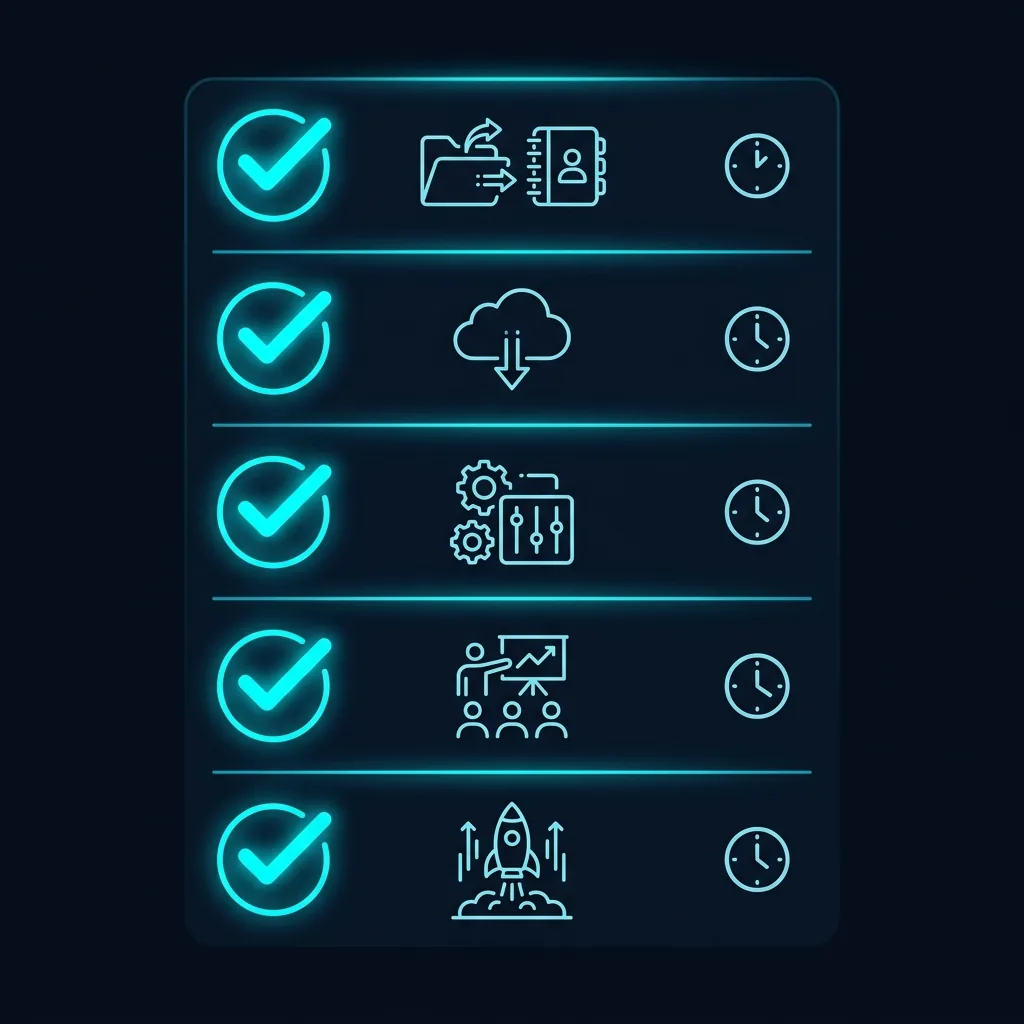
Checklist showing the 5 stages of migration

The proven 5-step playbook for switching platforms

## Step 4: Run in Parallel

Keep both platforms active for 1-2 weeks. New jobs go into the new platform; reference old system for history.

## Step 5: Final Cutover

Cancel ServiceTitan, archive exports, celebrate savings.

2-4 hrs
Active Migration Time
1-2 wks
Parallel Run Period
$9,000+
First-Year Savings (10 users)
15 min
Chillead Onboarding
We handle the migration for you
Every contact, job history, and setting moved in under 48 hours. Our team does the heavy lifting.
Start Your Migration โ†’

Frequently Asked Questions

Yes. ServiceTitan allows you to export customer data, job history, and invoices as CSV files.
CT
Chillead Team
Product & Growth

The Chillead team builds enterprise-grade tools for service businesses, call centers, and agencies. We write from direct experience building and deploying field service, CRM, and sales automation software.

Published April 15, 2026

Ready to scale your service business?

Join hundreds of contractors and agencies upgrading to Chillead's all-in-one platform.

Book a Demo โ†’View Pricing

Free trial ยท No credit card ยท Cancel anytime